E-Fabrication · Unit 04
Tinkercad Navigation
Tinkercad + 3D Printing · 10 Bambu P1S printers
Today’s challenge
Move, orbit, zoom, undo, duplicate, and use the workplane.
Grade 3 focusBasic solids and holes, align/group, large features, guided file naming, and teacher slicing.
Grade 5 focusRuler-based dimensions, tolerance tests, fit systems, orientation choices, and material/print-time limits.
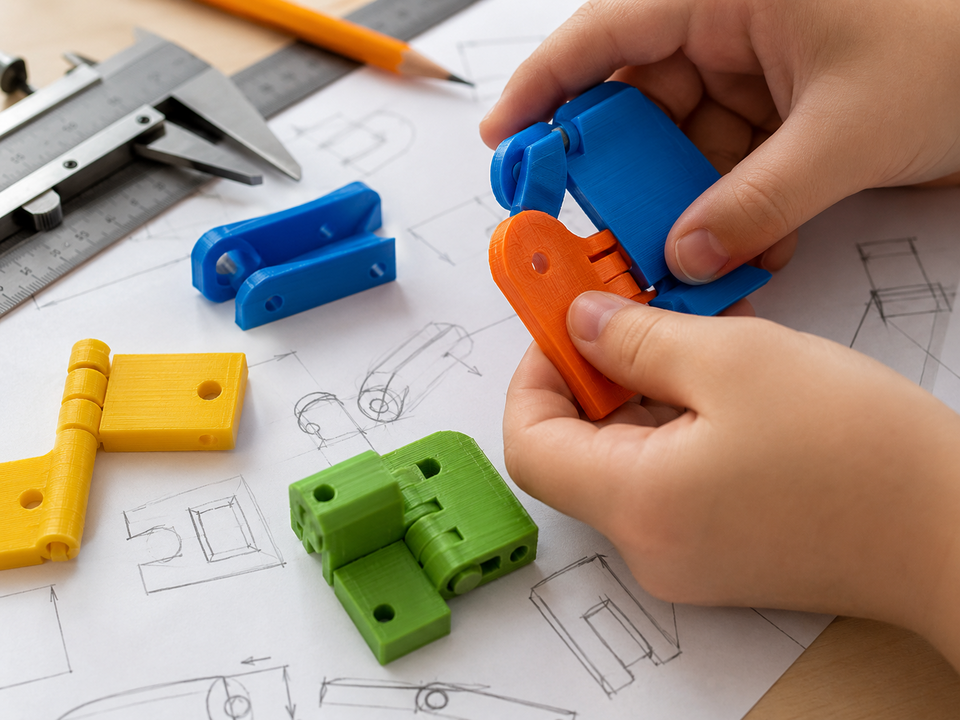
Success example · inspiration, not a design to copy
Look closely. What makes this successful?
The digital workspace is controlled, named, and made from purposeful shapes.
What to do
- Understand. Read the challenge. Circle the important need, rule, or safety limit.
- Plan. Use the thinking spaces below before you begin making.
- Make. Build, model, code, practice, or investigate carefully with your team.
- Check. Use evidence—not guesses—to decide what worked.
- Improve or explain. Make one useful change or share your strongest conclusion.
Engineer’s thinking
1. What did you notice?
2. What rule, need, or problem matters today?
3. Draw or describe one example.
Evidence check
Show what you learned.
Your teacher will look for: A saved practice scene and a navigation checklist completed without moving another student’s work.
My evidence
My next step
Exit reflection
Today I learned that because .
Next time I will .
How independently did I work?□ I needed coaching□ I worked with my team□ I can teach this skill