For teachers
Engineering standards
This shows how the lesson connects to the national NGSS engineering standards and what student work you can collect.
Assessed
3-5-ETS1-1
Teams define a desk-related need and identify success criteria plus size, material, and time constraints.
What students show: Completed problem frame and labeled design sketch.Practiced
3-5-ETS1-2
Teams sketch two ideas and select one using a criteria-and-constraints check.
What students show: Two sketches and a written or spoken comparison.Assessed
3-5-ETS1-3
Teams use the same three-part test before and after revising one feature.
What students show: Test record showing a result, revision, and retest.Materials
- Sticky notes and pencils
- Rulers
- Cardboard, index cards, tape, and modeling clay
- Small classroom objects for testing
- Shared tablet or computer with beginner 3D-design software
- PLA filament; target 8–15 g per team
Teacher preparation
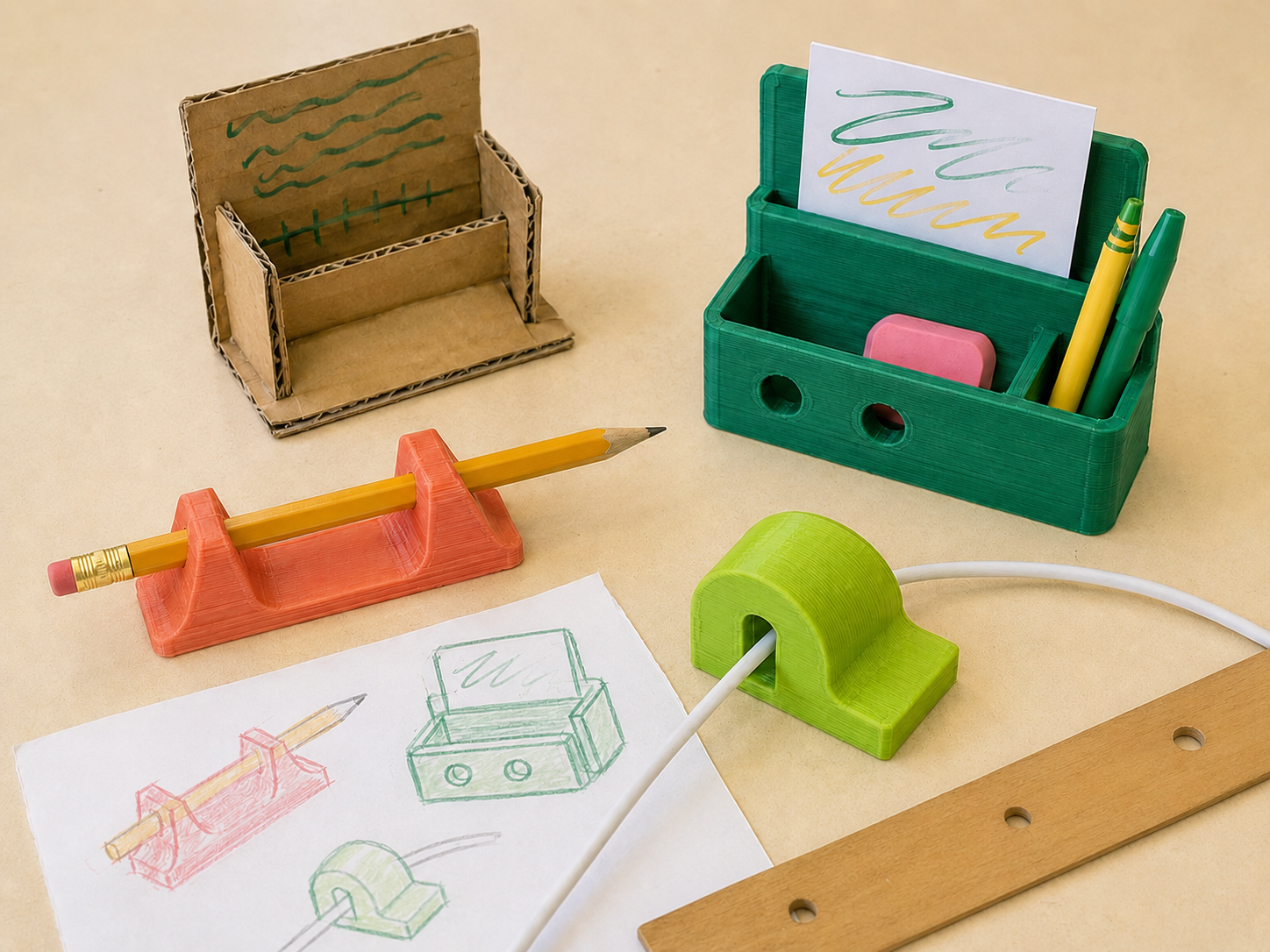
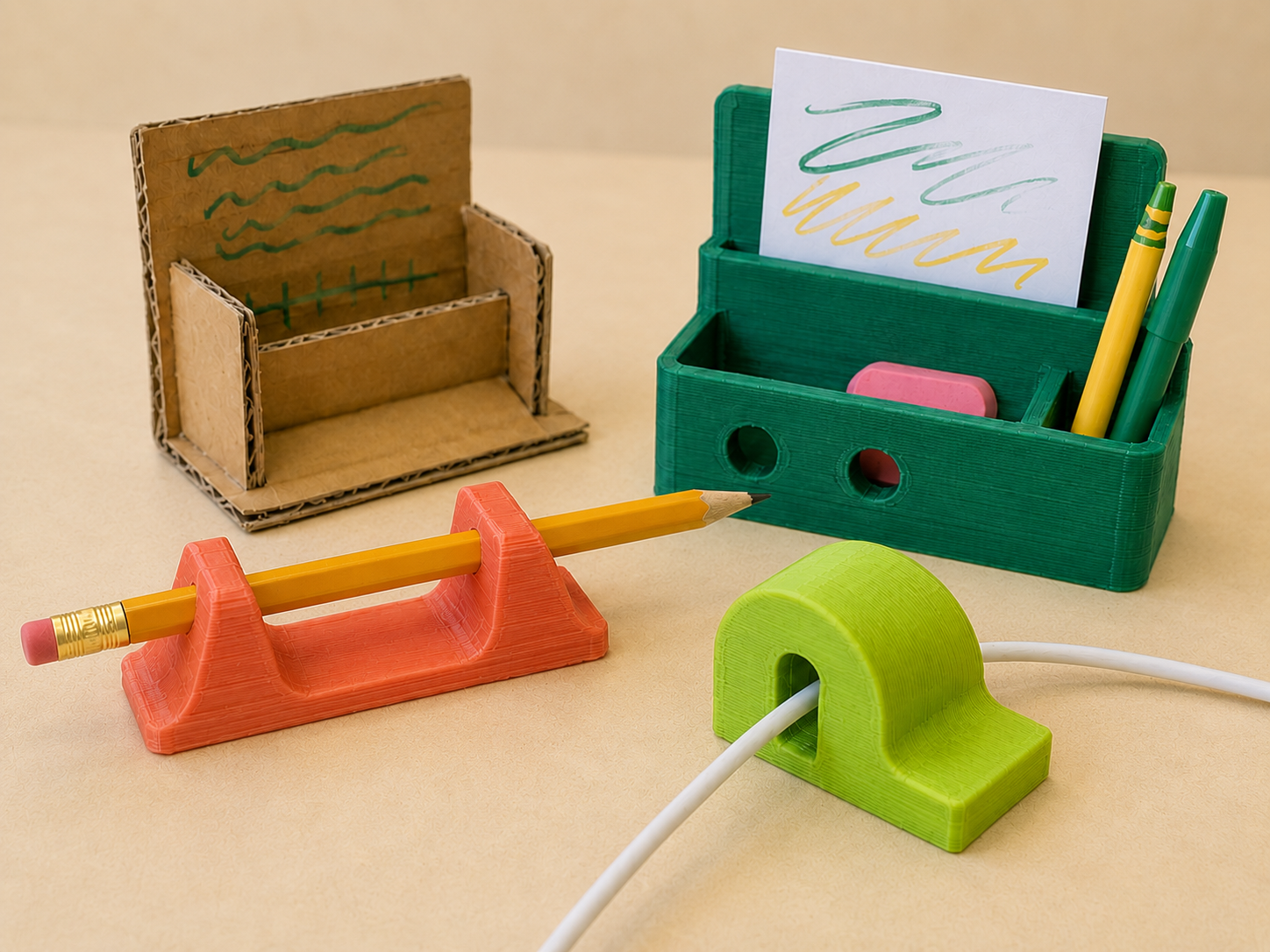
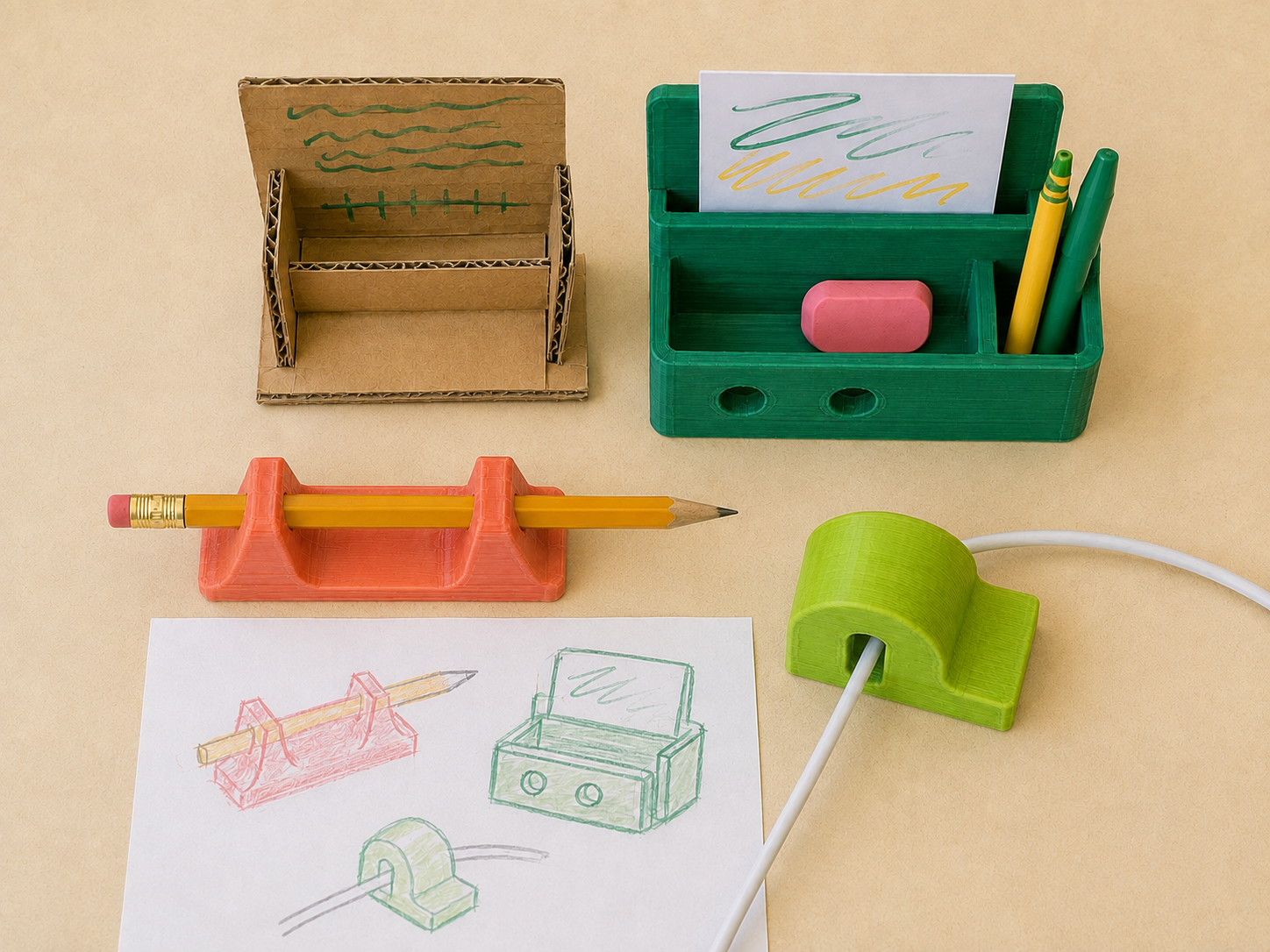
- Gather examples such as a pencil rest, cable guide, name-tag stand, or supply divider without presenting one as the required answer.
- Create team material trays and a 10 cm × 10 cm size-check card.
- Prepare a shared file folder and naming rule: G3_Team##_DeskTool_v1.
- Set a maximum print time of about 45 minutes per team and plan shared build plates across the 10 printers.
Step by step
How to teach it
0–10 min
Notice and define
- Students silently notice small desk frustrations.
- Teams choose one need and complete: ‘We need a way to…’
- Set criteria: what must the tool do? Set constraints: size, material, time, or cost.
10–25 min
Imagine and compare
- Each team makes two labeled sketches.
- Circle features that address each criterion.
- Use a simple plus/check/minus comparison to choose or combine ideas.
25–45 min
Build and test
- Build a cardboard or clay prototype.
- Write one repeatable three-step test.
- Run the test twice and record what happened without changing the test.
45–60 min
Improve and explain
- Change one feature based on evidence.
- Retest using the same procedure.
- Share: ‘Our evidence showed…, so we changed…’
Day 2
Move into 3D
- Measure the improved prototype.
- Create a small digital model using basic solids and holes.
- Teacher checks dimensions, stability, naming, and print time before adding it to the queue.
- After printing, teams compare the printed object with their prototype and record one next improvement.
Assessment
- Problem includes a clear need, two criteria, and two constraints.
- Sketches show two meaningfully different possibilities.
- Test is repeatable and linked to a criterion.
- Revision is supported by recorded evidence.
Supports & extensions
- Provide picture cards of common desk needs.
- Use sentence stems for the problem and evidence statements.
- Allow drawing, speaking, or teacher scribing instead of extended writing.
- Offer pre-cut cardboard shapes and adaptive scissors.
- Extension: calculate footprint area and reduce material while keeping performance.
Safety & responsible use
- Students do not touch hot ends, heated beds, or moving printer parts.
- An adult handles slicing approval, printer setup, part removal, and sharp tools.
- Use only lab-approved filament and supervised software accounts.
No-machine alternative
Use air-dry clay, cardboard, or reusable building pieces as the final product. Complete the same measurement, test, and revision cycle without printing.
Printable student design brief
The challenge
Design a small tool that makes a classroom desk easier, safer, or more organized to use.
Success criteria
- Solves the chosen problem
- Stays stable during use
- Can be explained and tested
Constraints
- Fits inside 10 cm × 10 cm × 10 cm
- Uses one small print or a no-print prototype
- Can be tested during class
Engineer’s notes
The problem we noticed is…
Our two ideas are different because…
Our test will show whether…
The evidence showed…
We improved our design by…