For teachers
Engineering standards
This shows how the lesson connects to the national NGSS engineering standards and what student work you can collect.
Practiced
3-5-ETS1-1
Teams define what viewers must recognize and set limits for size, layers, and material.
What students show: Story goal, criteria, and constraints on planning sheet.Assessed
3-5-ETS1-2
Students compare two silhouette arrangements for clarity and strength.
What students show: Peer comparison notes tied to criteria.Assessed
3-5-ETS1-3
Teams hold light distance constant while testing layer spacing, then revise a failure point.
What students show: Fair-test table and revised arrangement.Materials
- Flashlights or LED lights
- White paper screens
- Black cardstock and index cards
- Pencils, tape, child-safe scissors
- Rulers and spacing blocks
- Computer with vector-drawing software
- Lab-approved laser material selected by trained adult
Teacher preparation
- Darken one demonstration area safely.
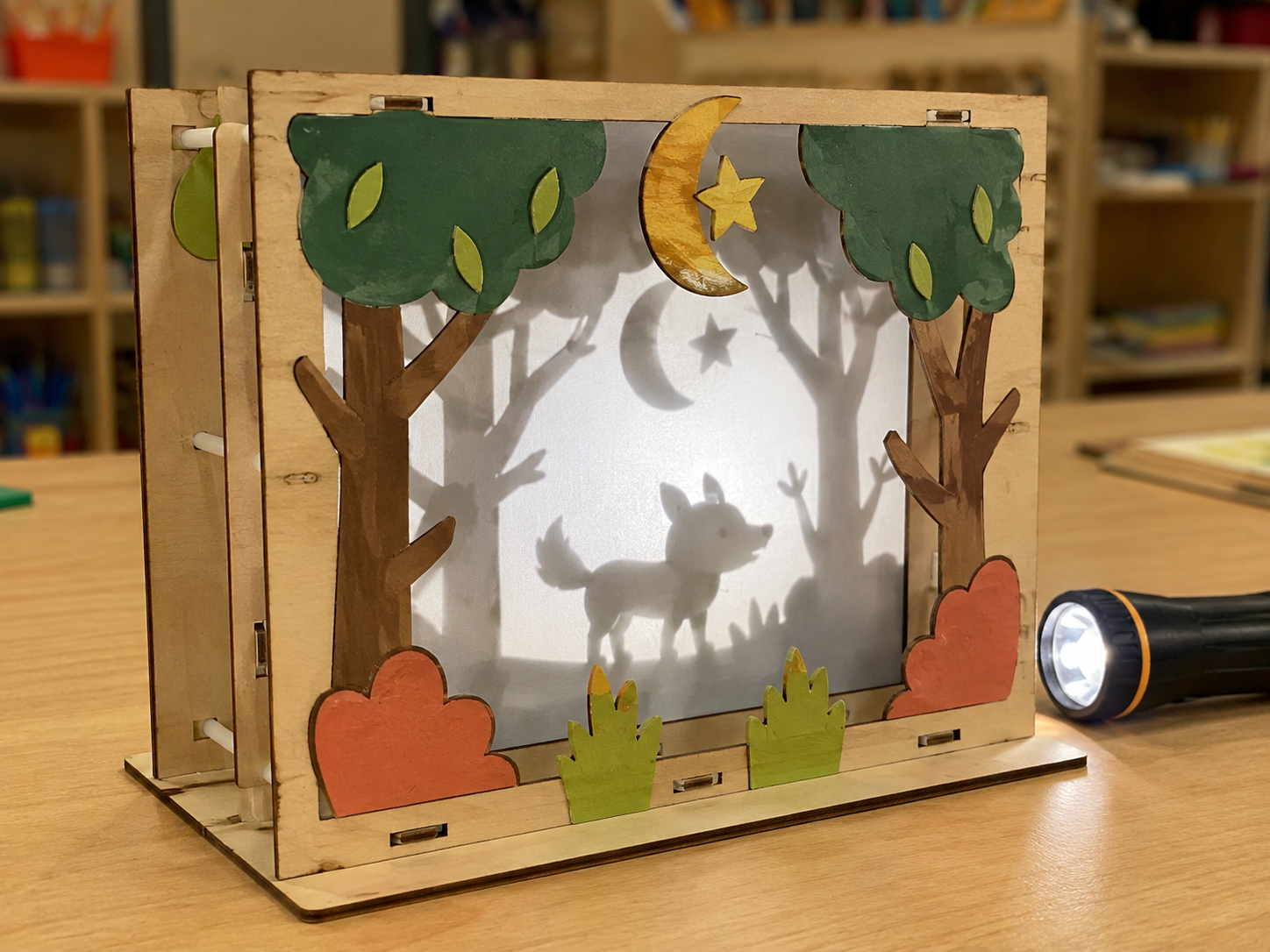
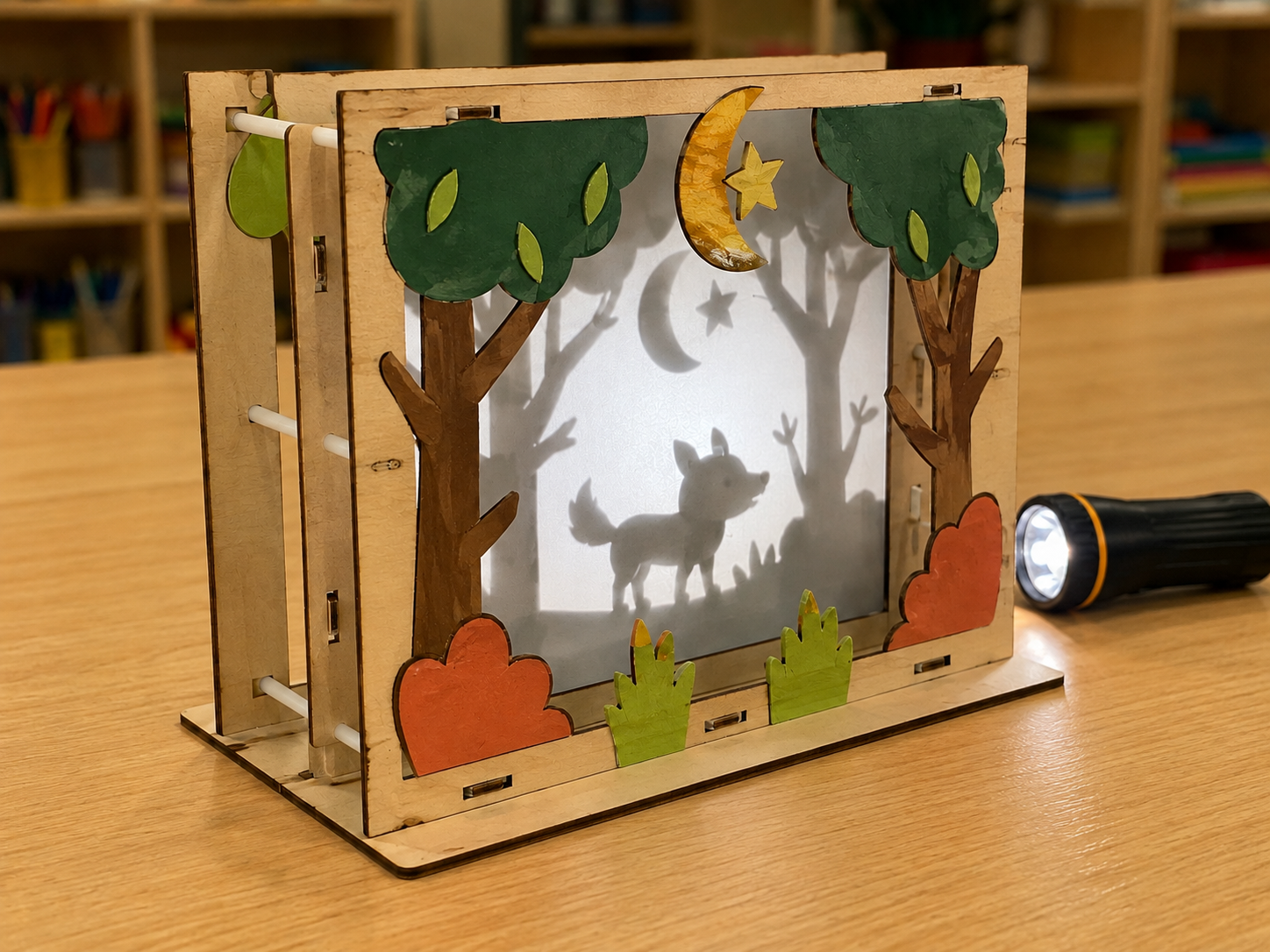
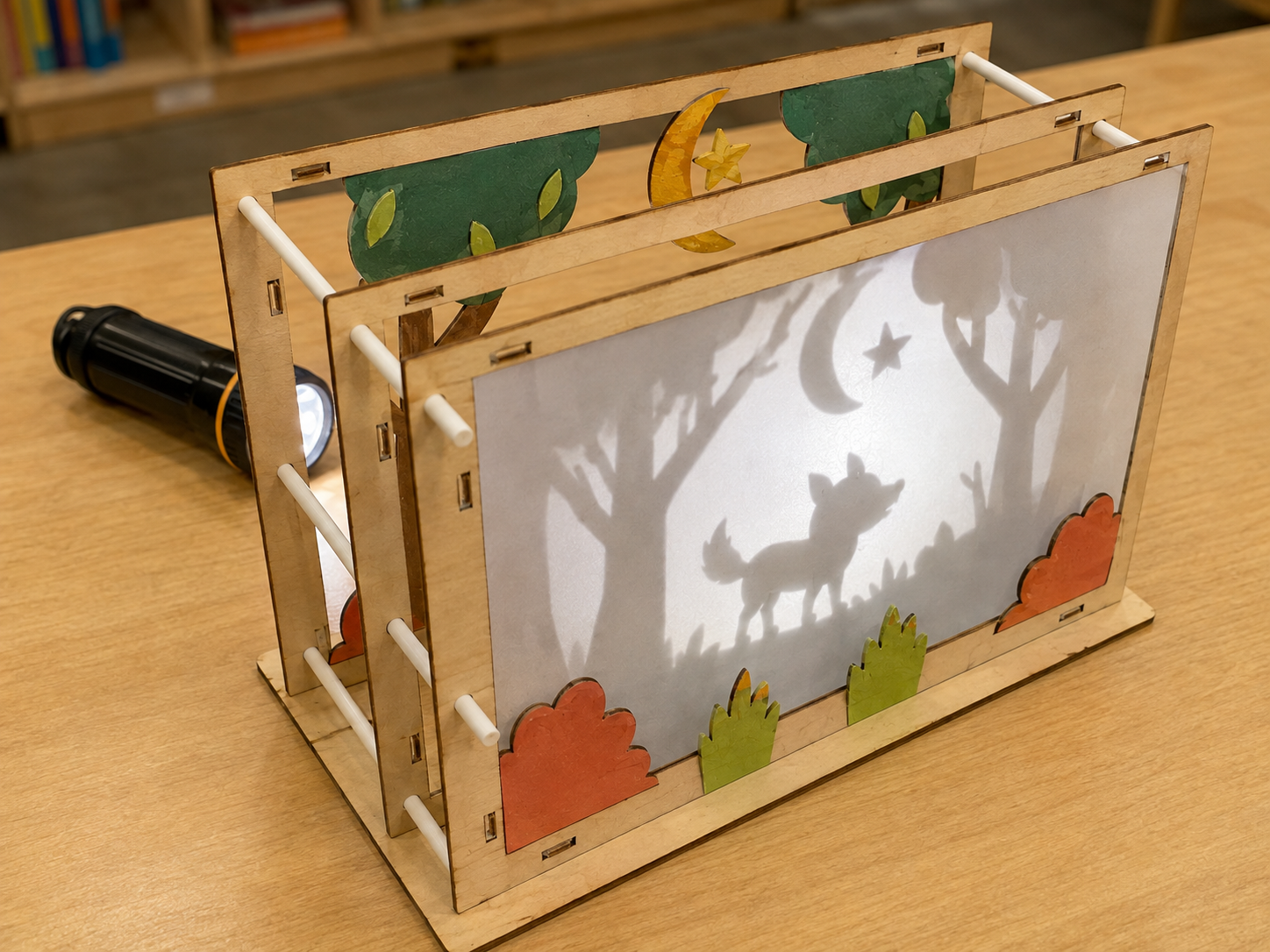
- Prepare a simple three-layer sample: setting, character, action/object.
- Create 2 cm and 4 cm spacing blocks.
- Confirm approved material and ventilation procedures for the exact xTool model.
- Set file rule: G5_Team##_Shadow_v1; use closed vector paths only.
Step by step
How to teach it
0–12 min
Discover shadows
- Move one shape closer to and farther from the light.
- Students notice changes in size, sharpness, overlap, and readability.
- Introduce silhouette and negative space.
12–27 min
Plan two stories
- Choose a simple moment with a setting, character, and action/object.
- Sketch two three-layer arrangements.
- Check that important shapes connect and small loose islands are removed.
27–48 min
Prototype and compare
- Cut rough cardstock versions.
- A partner identifies the story without being told.
- Compare which arrangement best meets the criteria: recognizable, sturdy, and visually clear.
48–60 min
Fair-test spacing
- Keep the flashlight and screen in fixed positions.
- Test only the layer spacing at 2 cm and 4 cm.
- Record which spacing improves clarity and why.
Day 2
Revise and fabricate
- Revise one failure point from peer or test evidence.
- Trace or redraw final closed vector shapes.
- Trained adult reviews and operates the laser cutter.
- Teams assemble, present, and reflect on how light and design worked together.
Assessment
- Scene communicates a recognizable setting, character, and action/object.
- Comparison uses the stated criteria rather than personal preference alone.
- Spacing test changes one variable and records observations.
- Final design addresses a documented failure point.
Supports & extensions
- Offer silhouette templates that students may combine and alter.
- Let students tell the story orally before drawing.
- Use high-contrast materials and tactile spacing blocks.
- Assign team roles: storyteller, shape designer, tester, recorder.
- Extension: test how changing light distance affects scale while spacing stays fixed.
Safety & responsible use
- Students do not operate the laser cutter.
- A trained adult verifies material, ventilation, focus, fire monitoring, and settings.
- Never laser-cut PVC, vinyl, unknown plastics, or unidentified coated materials.
- Use LED lights that remain cool and keep walkways clear in dim areas.
No-machine alternative
Create the final layers from black cardstock, recycled folders, or foam sheets using child-safe scissors. The engineering comparison and fair test remain unchanged.
Printable student design brief
The challenge
Build a three-layer shadow scene that lets another person recognize a story moment.
Success criteria
- Viewer recognizes the main idea
- Layers stay strong and connected
- Shadows remain clear when assembled
Constraints
- Exactly three main layers
- Fits inside a teacher-provided frame
- Only one test variable changes at a time
Engineer’s notes
Our viewer should notice…
Arrangement A works because…
The variable we changed was…
Our failure point was…
We revised… because the evidence…